Click Download
Tap any Download Now button on this page. The IC7 Game APK will start downloading — you'll see it in your browser's download bar or notification tray.
Get the full IC7 Game experience on your phone — 100+ titles, instant withdrawals and a welcome bonus worth up to ₹10,000. Free to download, and it installs in under a minute.
18+ Only. This platform is not available to residents of Andhra Pradesh, Telangana, Assam, Odisha, Nagaland and Sikkim.
Four steps, about three minutes. Here's exactly what to expect.
Tap any Download Now button on this page. The IC7 Game APK will start downloading — you'll see it in your browser's download bar or notification tray.
Because IC7 Game is distributed directly rather than through the Play Store, Android will ask for permission before installing. Go to Settings → Security (or Settings → Apps → Special access on newer versions) and allow your browser to install unknown apps.
Open the downloaded .apk file and tap Install. Installation takes well under a minute. When it's done, the IC7 Game icon appears on your home screen.
Open IC7 Game, sign up with your mobile number, and set a password. Your welcome bonus — worth up to ₹10,000 — unlocks once eligibility conditions are met. Then pick a game and you're away.
IC7 Game is built to run smoothly on everyday Android hardware — not just flagships.
| Operating System | Android 5.0 (Lollipop) or newer |
|---|---|
| Storage Space | ~45 MB free (150 MB recommended with game data) |
| RAM | 2 GB minimum, 3 GB or more recommended |
| Internet Connection | Required — Wi-Fi, 4G or 5G |
| Price | Free to download and install |
| Age Requirement | 18+ only |
| Availability | India, excluding Andhra Pradesh, Telangana, Assam, Odisha, Nagaland and Sikkim |
How the app behaves across the range of Android hardware people actually own in India.
| Device class | Example spec | Slots & card games | Live dealer (HD video) |
|---|---|---|---|
| Entry-level | Android 5–7, 2 GB RAM | Runs | May stutter on 4G |
| Mid-range | Android 9–12, 4 GB RAM | Smooth | Smooth |
| Modern / flagship | Android 13+, 6 GB+ RAM | Smooth | Smooth |
| Tablets | Android tablet, any size | Runs (portrait-optimised) | Runs |
| iPhone / iPad | iOS, any version | Not supported | Not supported |
| Emulators (BlueStacks etc.) | Windows / macOS | Not supported or recommended | Not supported |
The heaviest thing the app does is stream live dealer video. If you're on a weak or congested 4G signal, live tables are where you'll notice it first — the video will buffer while slots and card games continue to run perfectly well. If your connection is unreliable, stick to the non-live categories, or switch to Wi-Fi before opening a live table.
A dropped connection mid-round does not void the round. Outcomes are resolved on the game server, not on your handset — so if you disconnect after placing a stake, the round still resolves and the result is applied to your wallet. Reopening the app will show you the outcome.
The install itself is around 45 MB, but game assets are downloaded on demand as you open titles, so the app's footprint grows with use. Budgeting around 150 MB of free space is sensible. If you're running low, clearing the app's cache from Android's settings will reclaim space without logging you out.
Battery drain is comparable to any video-and-graphics app — live dealer tables consume noticeably more than slots, because they're decoding a video stream continuously. Long sessions on live tables will warm the handset and drain the battery accordingly.
Android will request a handful of permissions. Here's what each is for, and which you can safely decline.
Required, once. Granted to your browser, not to IC7 Game, so that it can open the downloaded APK. This is standard for any app distributed outside the Play Store. You can revoke it again immediately after installing.
Required. Used to cache game assets locally so titles don't re-download every time you open them. Without it, the app will work but will be markedly slower and will consume far more mobile data.
Optional — decline freely. Used for bonus reminders and promotional pushes. Declining costs you nothing functionally. If you're at all worried about being nudged back into the app, turning these off is a genuinely good idea.
A gaming app has no legitimate reason to want your contacts, your SMS messages, your call log, or your camera. If a build you've downloaded asks for those, you almost certainly have a repackaged APK from an unofficial mirror — uninstall it immediately and reinstall from the official link. This is exactly the risk that Android's "unknown sources" warning exists to flag, and it's why the source you download from matters far more than the warning itself.
Always get IC7 Game from the official goic7.top link. Third-party mirrors can be repackaged with software we don't control.
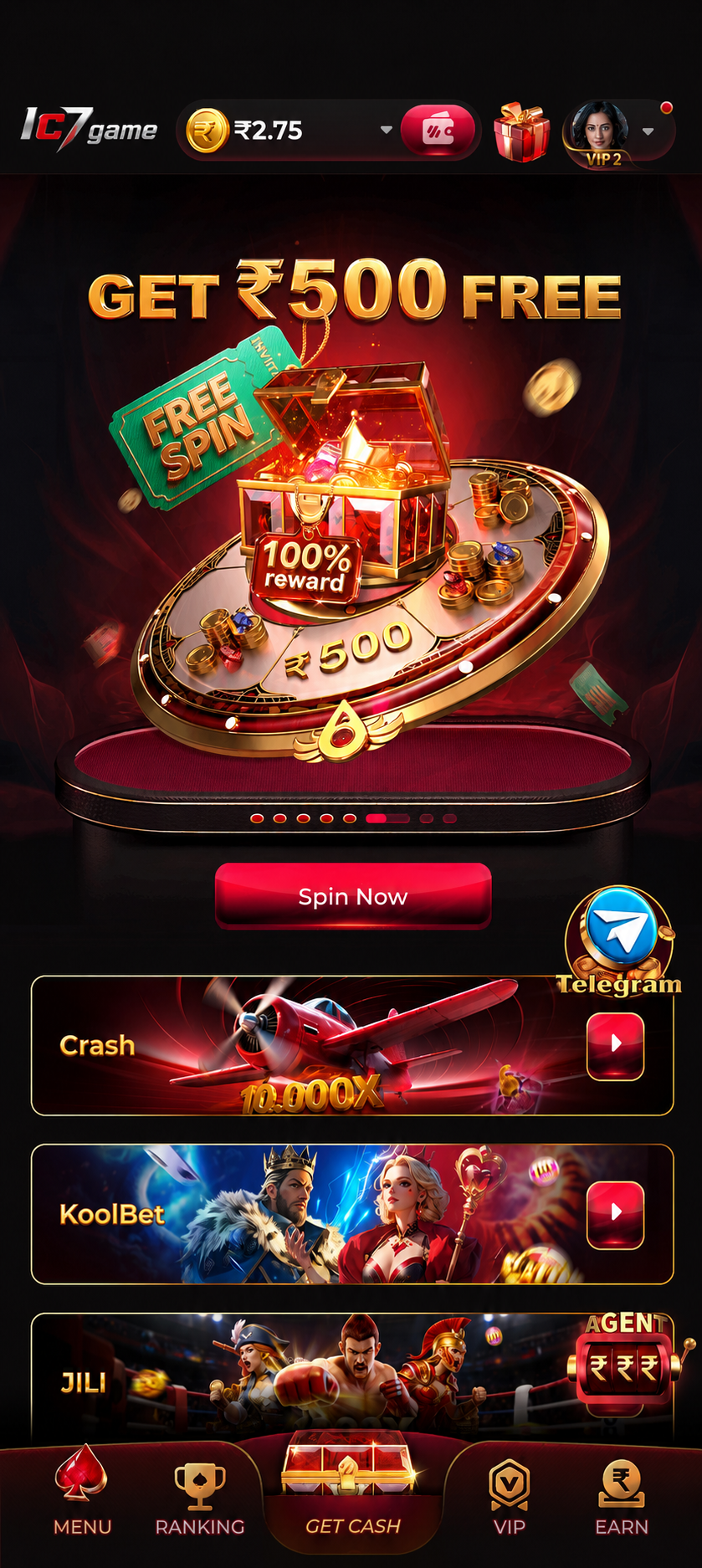
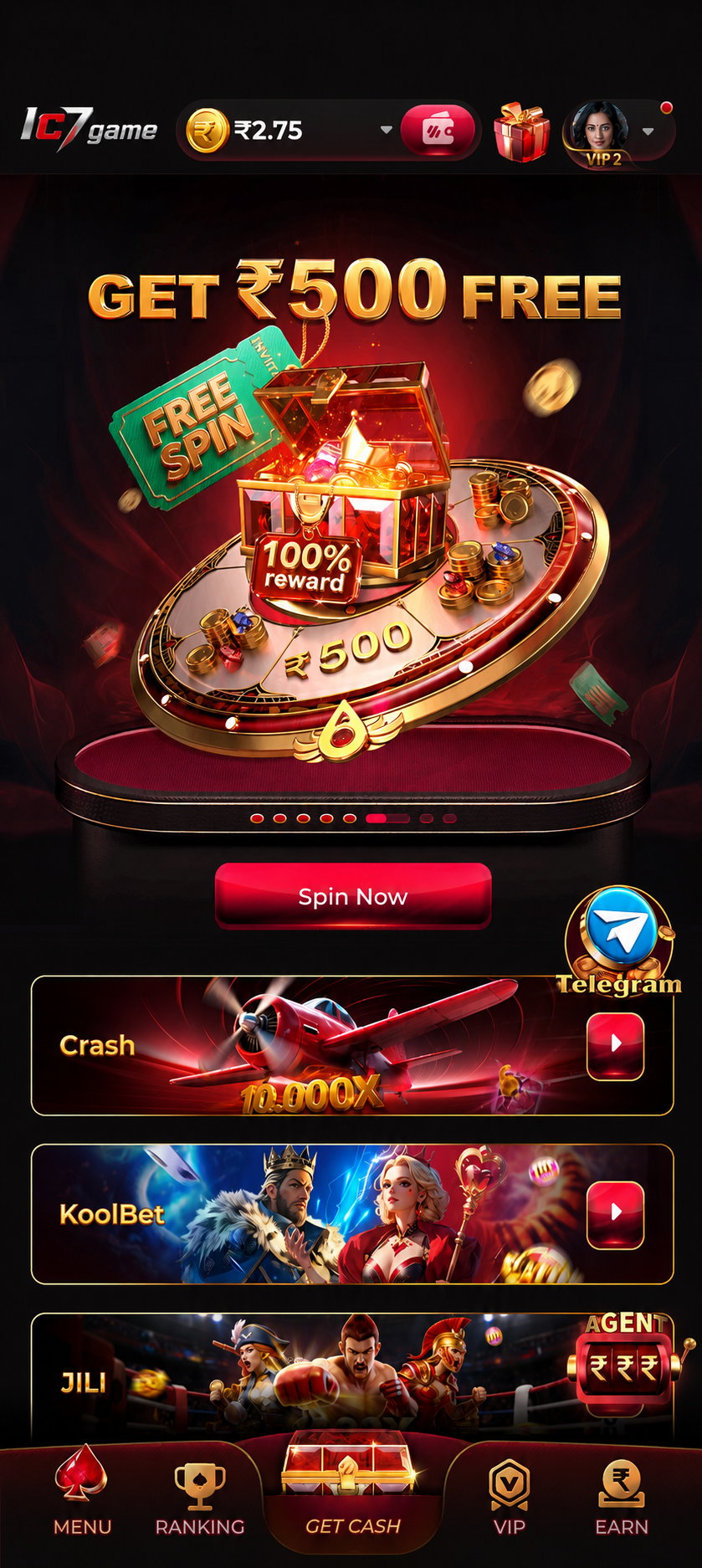
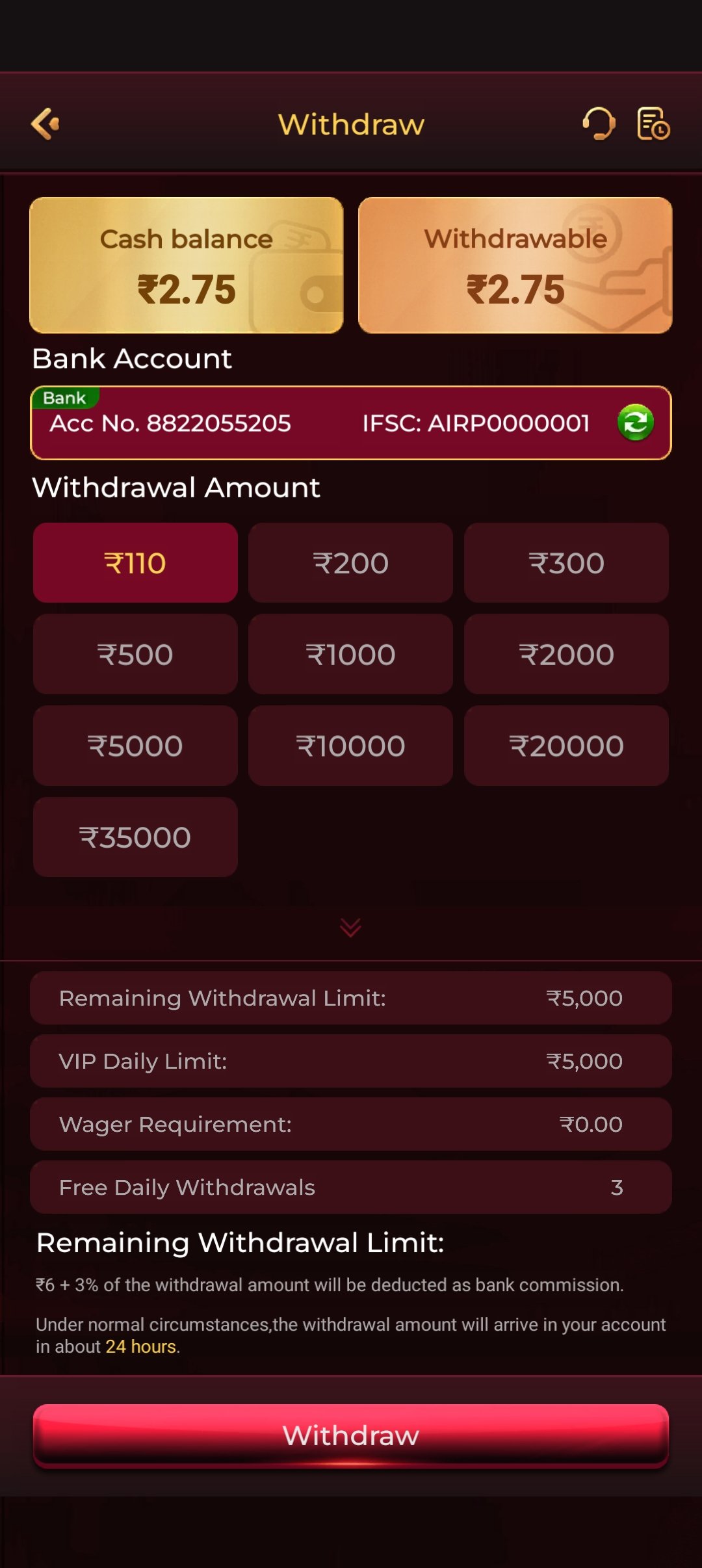
A quick look inside the IC7 Game app before you install it.
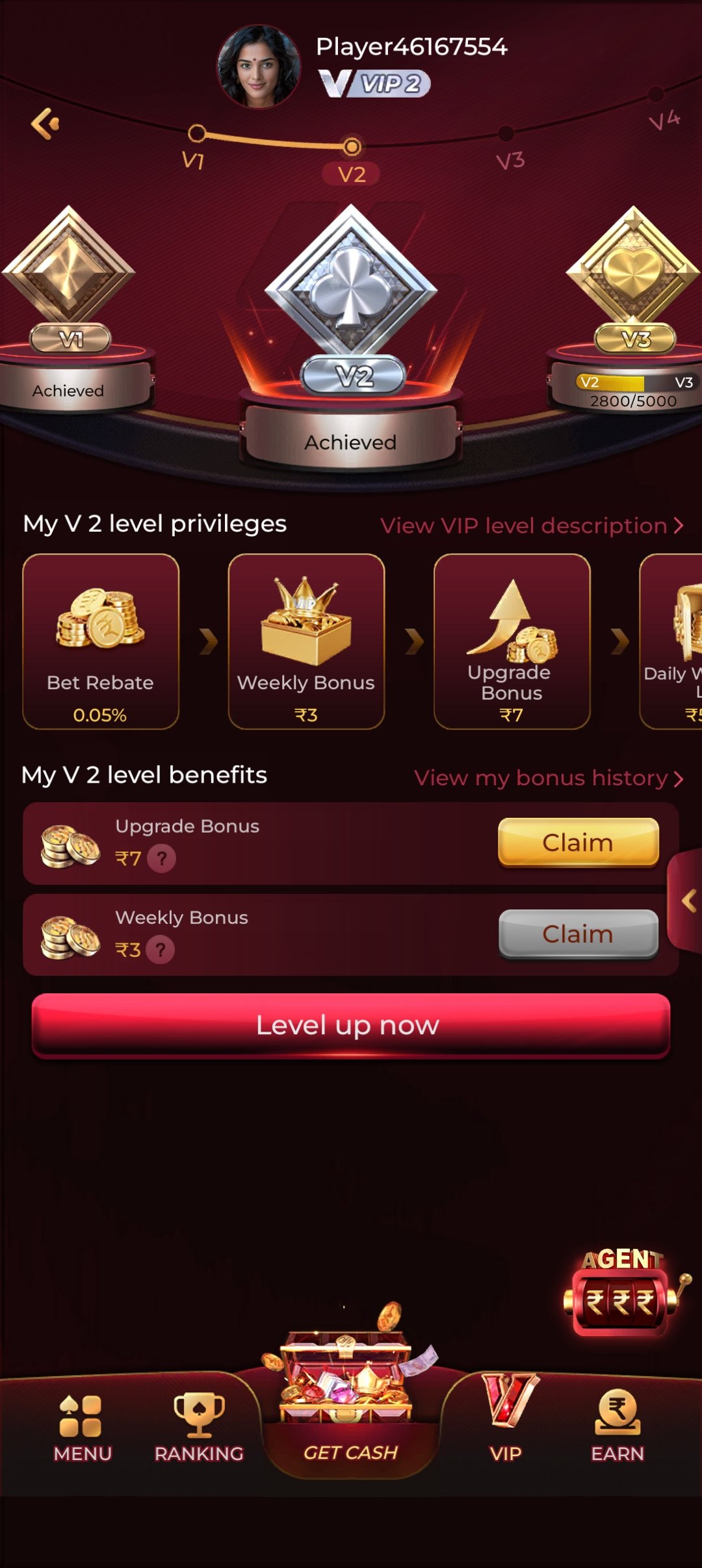
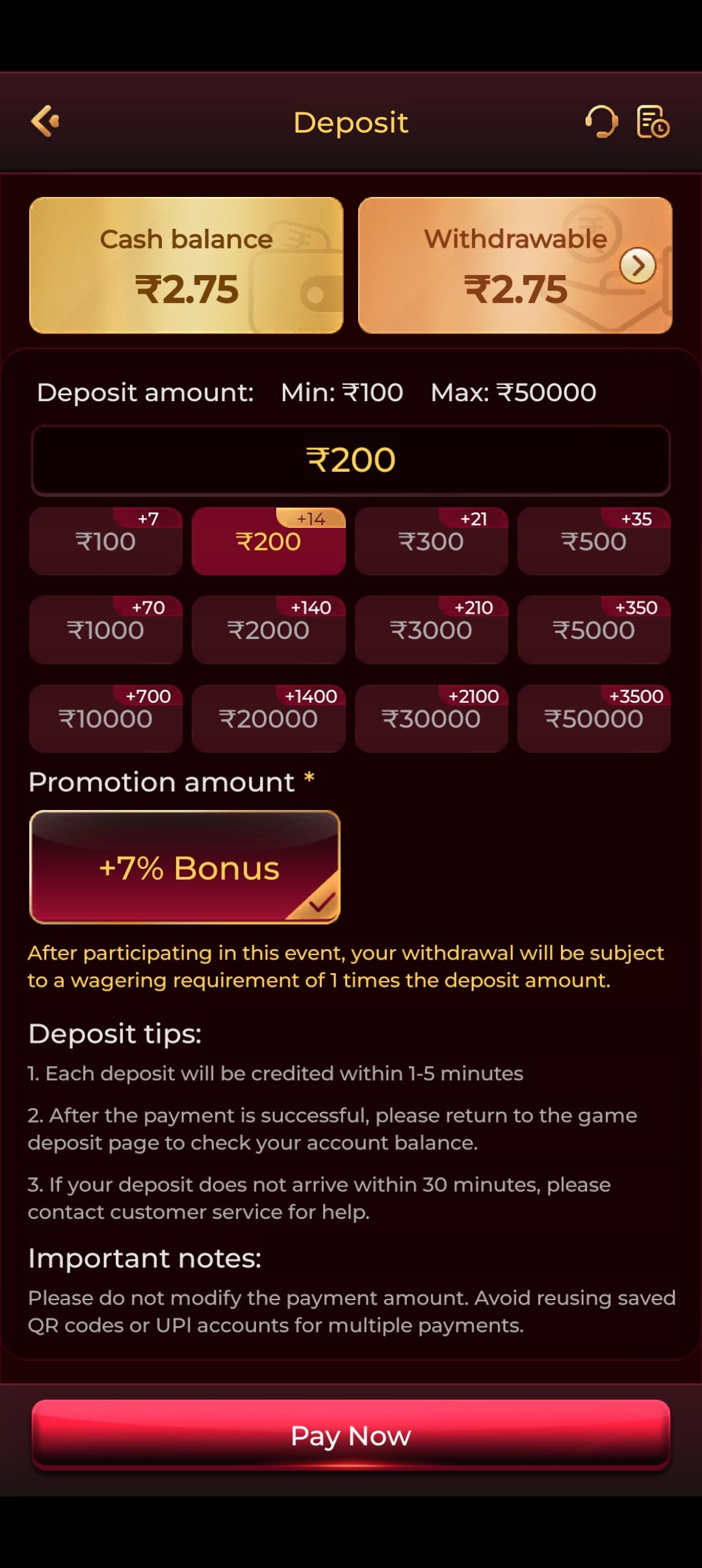
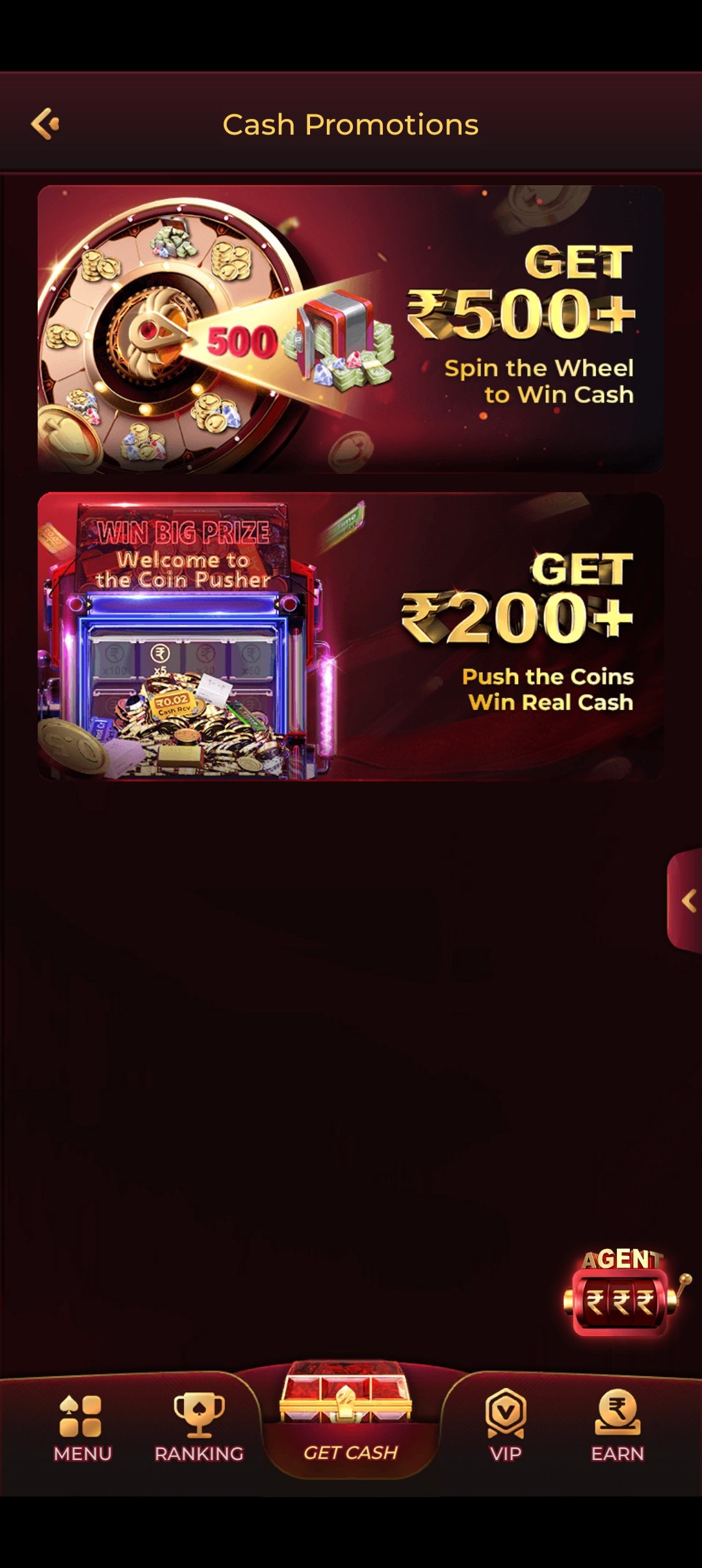
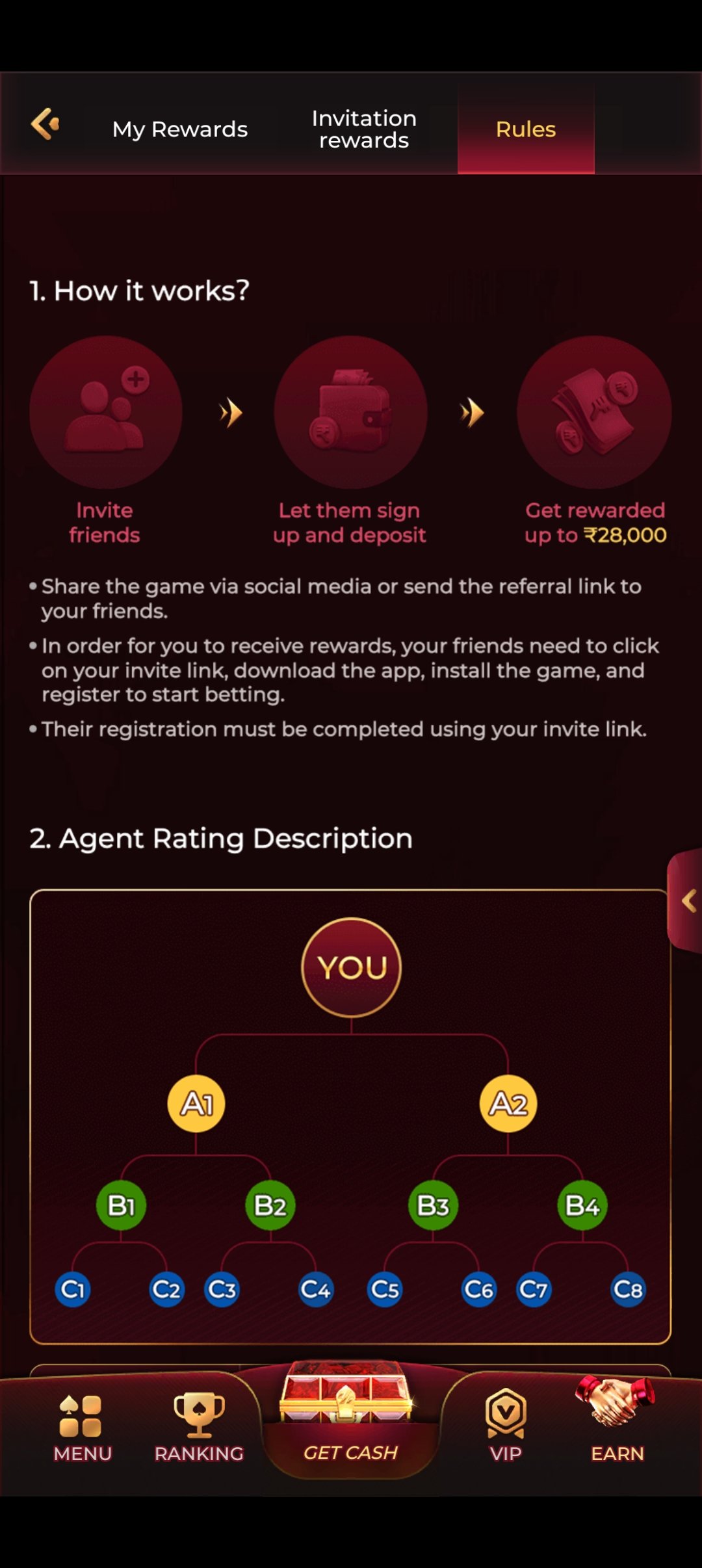
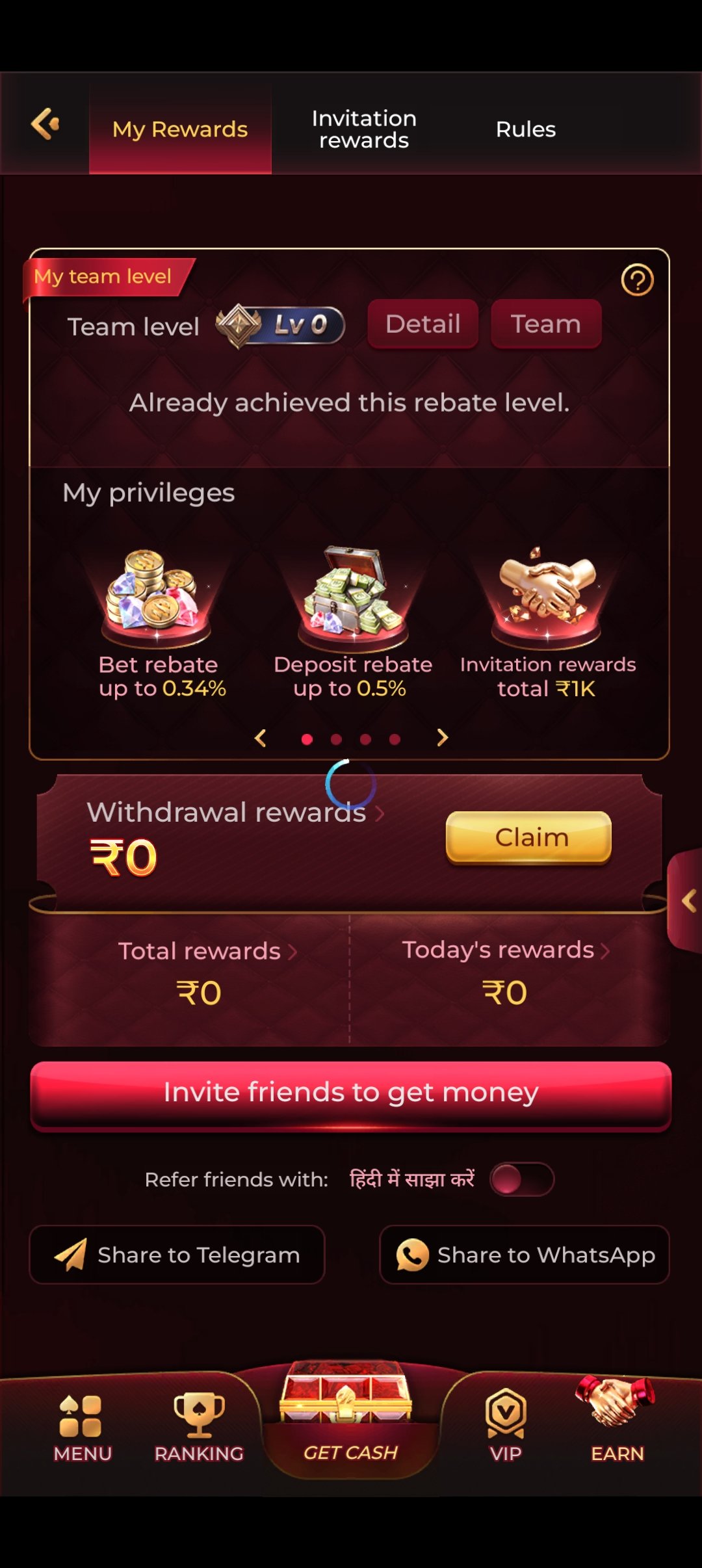
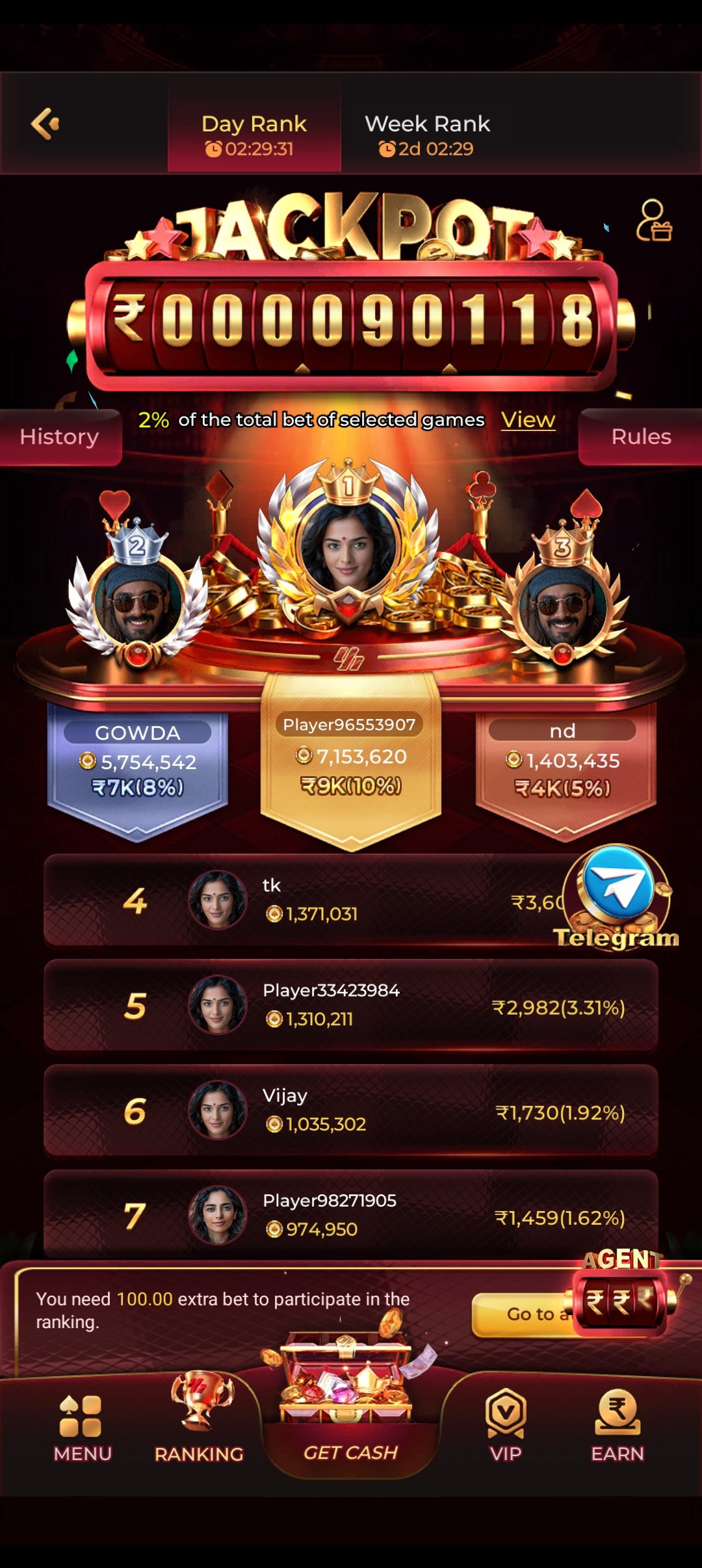
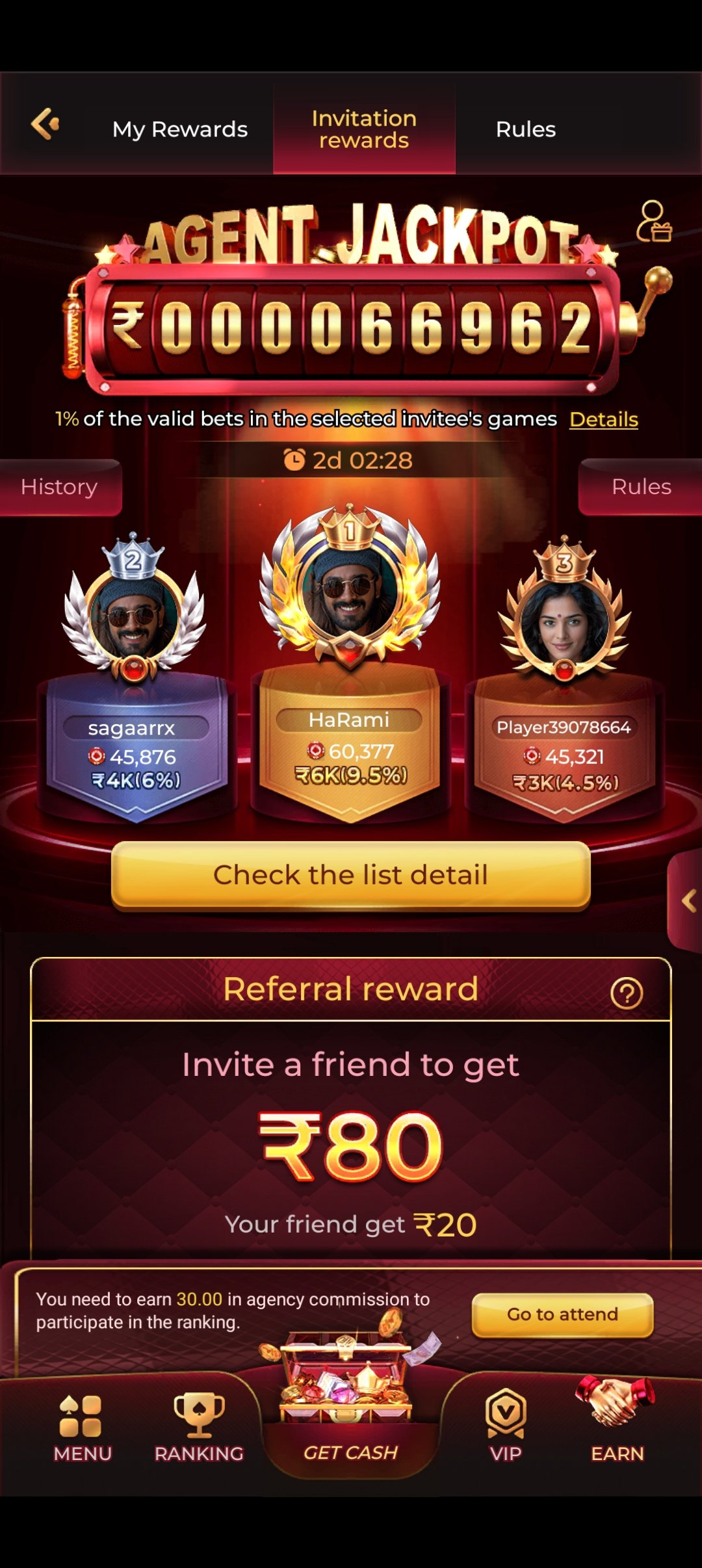
Work through these in order. Between them they resolve the overwhelming majority of install and launch problems.
| Symptom | Most likely cause | Fix |
|---|---|---|
| "App not installed" | Not enough free storage, or an older copy already present | Free up ~150 MB, uninstall any existing IC7 Game app, re-download and retry |
| "Install blocked" | Unknown-sources permission not granted to your browser | Settings → Security (or Apps → Special access) → Install unknown apps → enable for your browser |
| "Parse error" | Download was interrupted, leaving a corrupt file | Delete the partial APK, switch to Wi-Fi, download again from start to finish |
| Download never starts | Browser blocked the file, or the connection dropped | Check the notification tray for a "Download anyway"/"Keep" prompt; try a different browser |
| App installs but won't open | Android version below 5.0, or insufficient RAM | Confirm Android 5.0+; close background apps and relaunch |
| Stuck on the loading screen | Weak connection while fetching game assets | Switch to Wi-Fi; if it persists, clear the app cache and reopen |
| Live tables buffer constantly | Bandwidth too low for HD video | Switch to Wi-Fi, or use the non-live categories on mobile data |
| Can't log in after reinstall | Wrong number, or wrong password | Recheck both. Contact support — never share your password with anyone |
Message our support team on Telegram at @ravihere0. Tell us your Android version, your phone model, and the exact error text you're seeing — with those three things we can usually diagnose an install problem in a couple of messages. Screenshots help enormously.
Two things the download guides never cover — how to keep the app current, and how to leave cleanly.
Because the app isn't distributed through the Play Store, it will not update itself automatically the way a Play Store app does. When a new version ships, the app will normally prompt you in-app, and you install the new APK over the top of the existing one — your account and balance are held server-side, so nothing is lost in the process.
Only ever take an update from the official link or the in-app prompt. "Update" links circulated in random Telegram groups are a classic vector for repackaged, malicious builds. If you're unsure whether a prompt is genuine, ask in the official community before you install anything.
Uninstalling the app from your phone removes the software, but it does not close your account or delete your data. Those are two separate things, and the distinction matters.
If you're uninstalling because play stopped being fun, please consider asking for a self-exclusion rather than simply deleting the app — it's a great deal harder to reinstall on a whim when the account itself is restricted.
The issues players hit most often — and how to clear them in seconds.
Check that you have a stable internet connection and enough free storage (~45 MB). If your browser blocked the file, look for a "Download anyway" or "Keep" prompt in the notification tray. Switching from mobile data to Wi-Fi also resolves most stalled downloads.
No. Android shows that message for any app installed outside the Play Store — it's a generic prompt, not a verdict on IC7 Game. Go to Settings → Security → Install unknown apps (or Settings → Apps → Special access), select your browser, and toggle permission on. Then reopen the APK.
This usually means one of three things: not enough free storage, a partially downloaded file, or an older copy of the app already installed. Free up some space, delete the existing IC7 Game app if you have one, re-download the APK, and try again.
The app is currently distributed for Android. If you're on iOS, join our Telegram community — that's where availability updates get announced first.
No. Downloading, installing and registering are all completely free. There's no subscription and no purchase needed to create an account.
Yes — message our support team on Telegram at @ravihere0. We're available 24/7 and can usually sort an install issue in a couple of messages. You can also use the contact form.
100+ games, instant withdrawals, 24/7 support and a welcome bonus worth up to ₹10,000 — all free to download.